Booking equipment in the labs
If you work in one of the QLight labs, chances are, you had to (or will have to) share a tool with someone else, or wait for the end of an ongoing measurement. To make sure everyone can work, we currently have an Outlook-based booking system.
The booking system relies on resource mailboxes and it is directly implemented in Outlook.
So far, the bookable resources are
- QLIGHT microscope (transferring stage)
- QLIGHT microscope (PL)
- QLIGHT spectrometer (Horiba)
- QLIGHT spectrometer (Andor)
- QLIGHT cryostat (800)
- QLIGHT cryostat (800XS)
- QLIGHT exfoliation box
- QLIGHT TDC (Time Tagger)
- QLIGHT TDC (ID1000)
- QLIGHT laser (Chameleon)
Each resource can be booked independently. However, when the time-to-digital converter (TDC) is being used for coincidence measurements, it is often necessary to have minimal light noise in the labs. As a general rule, all lights must be off when measuring second-order correlation or indistinguishability, so always double check with whoever has booked the TDC (Time Tagger) or the TDC (ID1000) whether you see that it is being used.
For bachelor and master students
If you have not done so already, please email our group coordinator to ask to be added to the resource list named ELEC-QLIGHTLABS-52119. Once you have been added to the list, you will be able to book any of the resources above.
Adding resources to your calendar (new Outlook client)
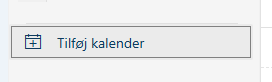
- On the calendar tab, click on "Add calendar"
- Go to "Add from catalogue" and choose your email address from the dropdown menu
- Search for the resource name in the textfield (e.g., QLIGHT Exfoliation Box)
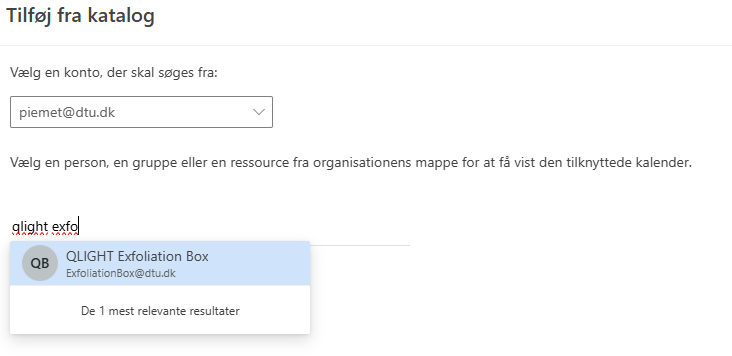
- Add the calendar to any of your calendar groups
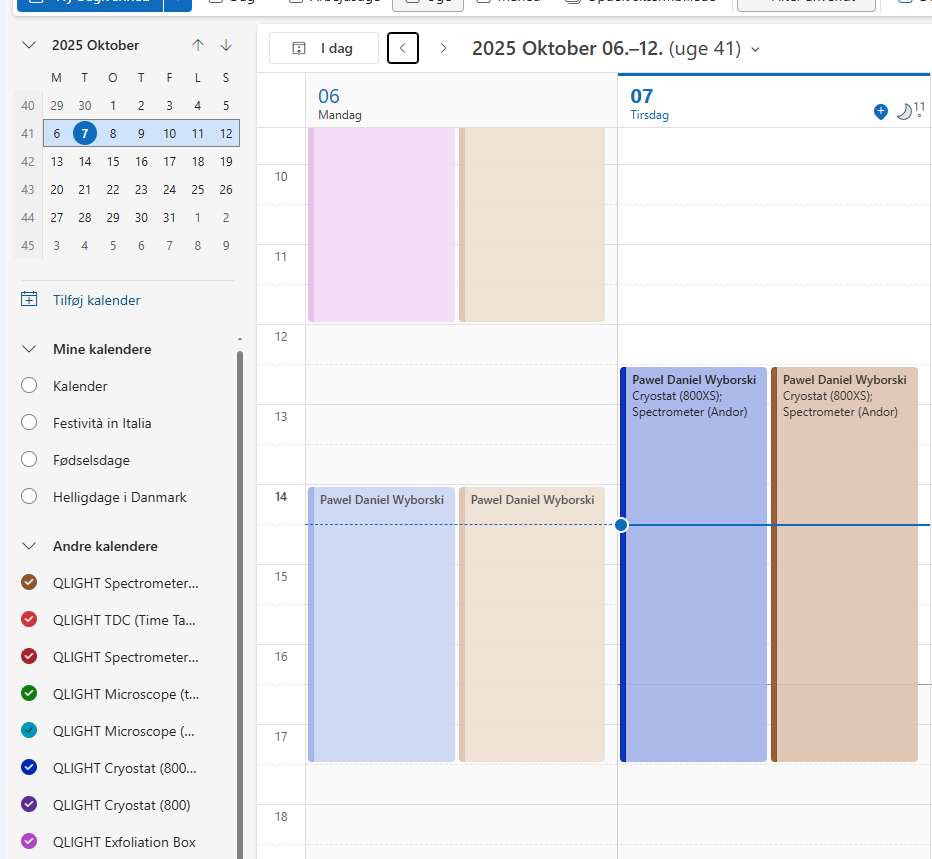
- Repeat for all the resources that you wish to see in your calendar
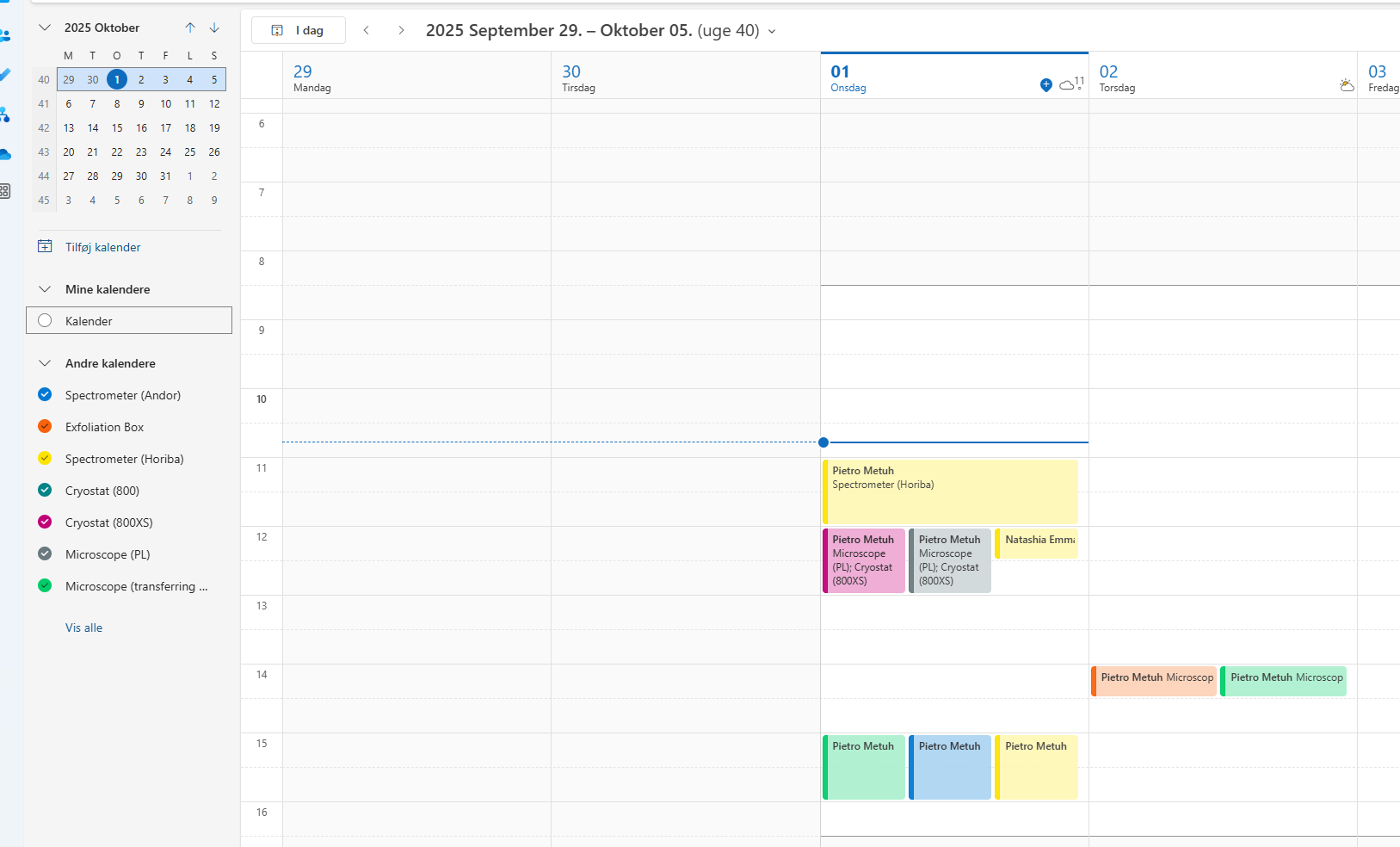
- You should now be able to see the resource availability on your calendar
Booking a timeslot for resources (new Outlook client)
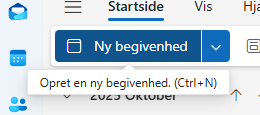
- Create a new meeting in the time slot that you wish to use the resource in
- In the "Location" field, search for the resource name. If you need more than one resource, simply add all of them. Here, I want to book the exfoliation box and the transferring stage
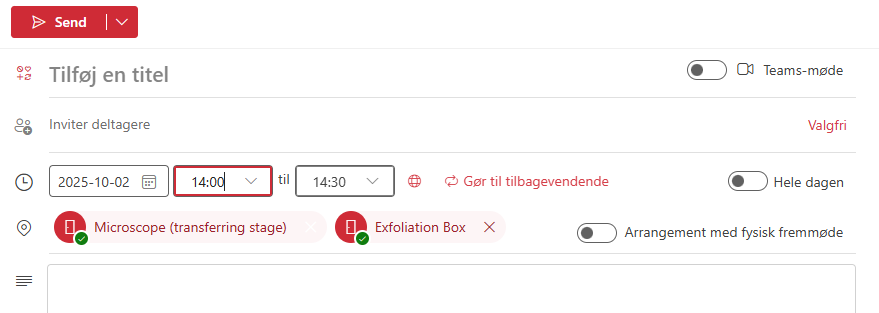
- Press "Send" to book the timeslot.
- The booking will appear in the calendar of the resource, but it might take a couple of minutes and/or a restart of Outlook.
Feedback
Please contact piemet for suggestions/questions about the system.